.svg)

Brief
Automated contract review software uses AI to flag risks, generate redlines, and surface contract issues in minutes, reducing review time by up to 85% compared to manual review. LegalOn ranks as the best overall automated contract review platform for in-house legal teams, with 50+ attorney-built playbooks, 10K+ legal issues, and a 15-minute setup in Microsoft Word.
According to LegalOn’s 2026 research, legal teams spend an average of 3 hours reviewing a single contract. That’s nearly half of an eight-hour workday consumed by line-by-line markup and redline negotiation on counterparty paper.
Adopting a contract review automation tool is a natural step for legal teams looking to cut productivity overhead, but choosing the right tool from increasingly fragmented options is a challenge.
Purpose-built tools, general legal AI platforms, and CLM suites all claim to solve the contract review problem. We analyzed 100+ verified user reviews to see what actually works. Here's what we found.
Automated contract review software uses artificial intelligence to read, analyze, and flag issues in contracts in a fraction of the time it would take an in-house lawyer to do manually.
The best tools understand the legal context specific to your team. They can flag what a missing indemnification cap means for your risk exposure, whether a termination clause aligns with your organization's standards, and where a counterparty's draft deviates from your playbook.
But what kinds of tools can in-house legal teams use to automate contract review? It’s not as simple as searching for the best contract review automation software.
The market is fragmented, and teams can choose from legal productivity platforms such as LegalOn, general legal AI platforms, contract lifecycle management software, purpose-built tools, and even general-purpose AI models.
Legal productivity platforms such as LegalOn cover an in-house legal team’s entire workday, from contract review to matter management, with an AI layer that automates complex legal work in a single unified interface.
The best legal productivity platforms are built around how in-house counsel already works. Features such as Microsoft Word integrations, legal AI assistants, and attorney-vetted playbooks make it easy for GCs to review the most common commercial contract types—from NDAs to MSAs to DPAs.
Day 1 productivity is an essential component of these tools. Legal AI software and CLM tools can take weeks and months to install, but a legal productivity platform like LegalOn can start working for you on the first day.
General legal AI platforms handle a range of legal work, including contract review, legal research, memo drafting, and regulatory analysis. They're a better fit for large law firms with diverse practice areas, where attorneys want one tool that follows them across matters rather than a specialist platform for each workflow.
Harvey is a popular option. The trade-off is onboarding intensity: general platforms require more setup to perform well on contract-specific tasks, and their review accuracy typically lags behind that of purpose-built tools.
CLM platforms cover the full contract journey, from request and drafting through negotiation, execution, storage, and renewal. In CLMs, AI contract review is a feature within a broader workflow system, meaning the focus is on lifecycle management—not on legal depth and accuracy.
This is often the right choice for enterprises that need end-to-end lifecycle management at scale.
Dedicated contract review tools focus exclusively on the review and negotiation workflow. These tools help in-house teams analyze counterparty paper, flag risks against your standards, and propose redlines grounded in legal norms.
Because contract review is their specialty, they deliver the deepest AI accuracy and the fastest time-to-value of any category. Implementation is measured in hours, not months.
LegalOn’s contract review tool is the leading example, offering 50+ attorney-built playbooks, automated risk scoring, AI-generated redlines, and an integration with Word that can be installed in just 15 minutes.
For in-house teams whose primary bottleneck is contract review, a dedicated tool consistently outperforms broader platforms in accuracy and speed.
With the widespread availability of tools such as Claude and ChatGPT, why would legal teams pay for specialized contract review software when a general-purpose AI can read a contract?
LegalOn’s 2026 Contract Review Benchmark definitively answers this question.
We compared LegalOn head-to-head to 11 AI models across 3,282 contracts and 21 precision-critical guidelines.
Using an independent LLM judge, we compared the quality of each tool’s contract review output on the following dimensions: correctness, evidence quality, article identification, completeness, and reasoning quality.
What we found:
That is not to say that in-house counsels should skip using general-purpose models entirely. Adopting ChatGPT or Claude is a fine first step for contract review automation as long as you don’t end there.
A general-purpose AI model can summarize contract language and answer basic questions. What it can't do (at least not reliably) is apply consistent, attorney-vetted review standards across every contract or flag risk based on legal precedent. Purpose-built contract review software is trained on legal content and validated by attorneys.
For teams that need reliable, defensible results—not just a best-effort summary—purpose-built tools win. One missed liability cap or overlooked auto-renewal clause can cost an organization much more than a year of software fees.
Now, let’s take a look at the best options in-house legal teams can use.
See LegalOn’s automated contract review in action. Book a demo →
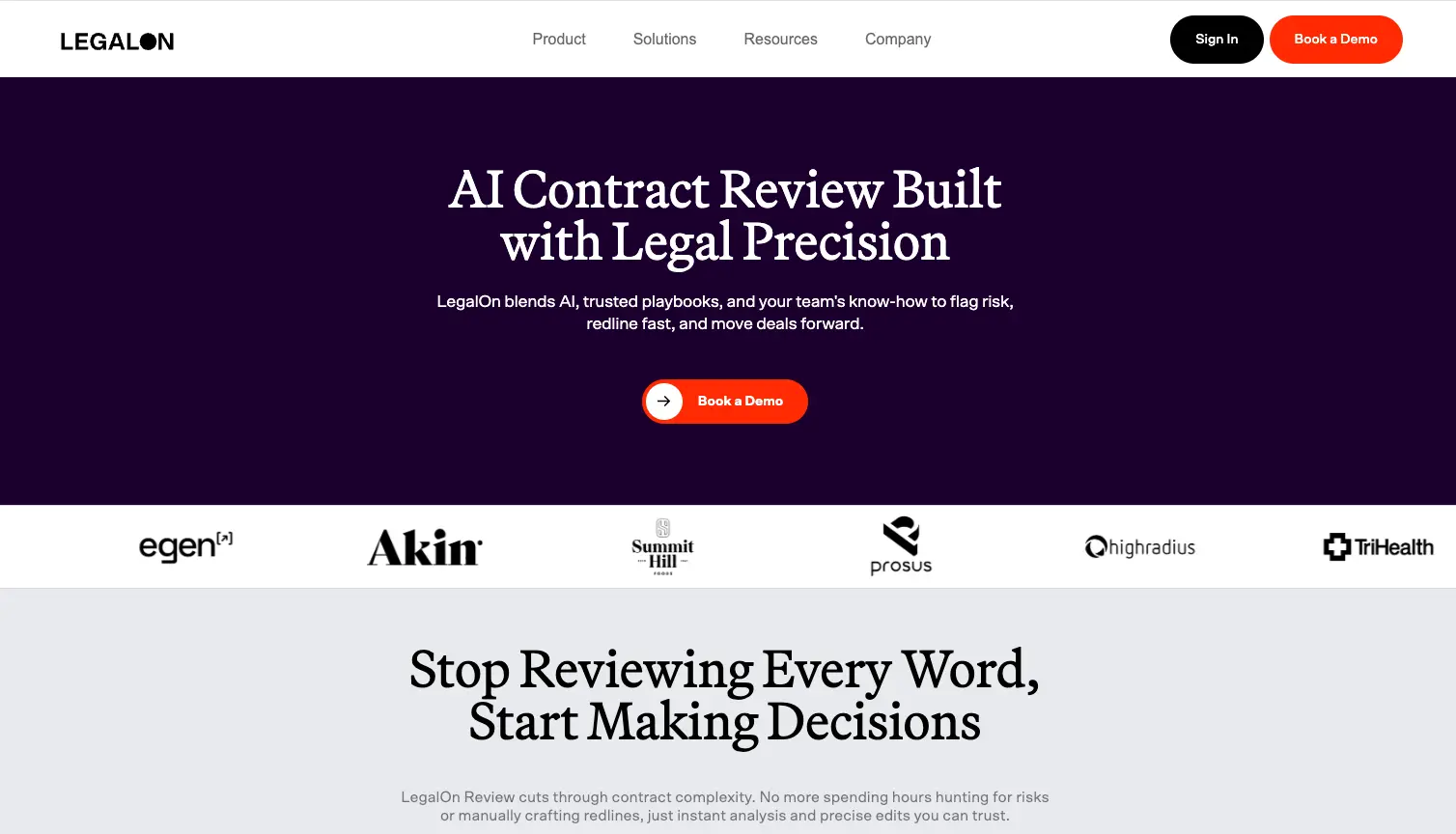
The verdict: LegalOn’s contract review automation tool delivers the fastest time-to-value for in-house legal teams, combining pre-built attorney intelligence with a seamless Microsoft Word integration. For overwhelmed general counsels and in-house legal teams who need results on day 1 of onboarding, it's the clear choice.
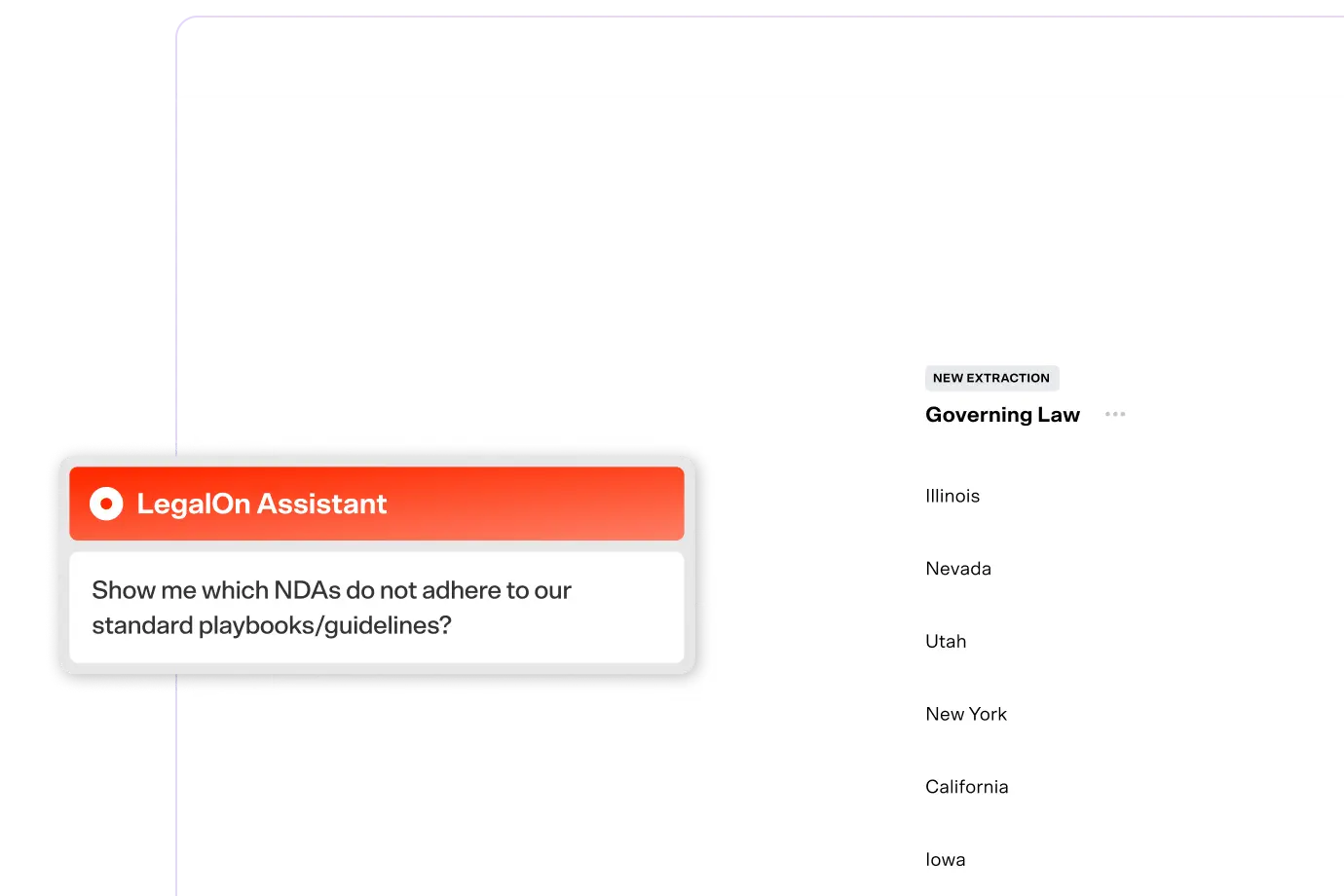
LegalOn’s contract review tool handles risk flagging and redlining from day 1. It ships with 50+ attorney-built playbooks covering the most common commercial contract types: NDAs, PSAs, DUAs, and more. Teams review their first contracts within hours, not weeks.
Custom playbooks can be created in plain English, so teams can build on LegalOn's foundation and make it their own over time. Its integrated matter management software also allows teams to handle legal intake and request tracking in the same platform.
Whether you’re a solo in-house lawyer dealing with a few agreements or part of a legal ops team working through hundreds of contracts each month, LegalOn provides reliable and lawyer-level accuracy.
Standout features:
Real results from real customers:
“LegalOn lets us move faster, work more efficiently, and reduce outside counsel spend, while still supporting business growth without increasing headcount.” — Karen Sie, VP of Legal, Achievers
"With LegalOn, contracts that used to take multiple hours or days now take a couple of minutes." — Stephanie Avery, Contract Analyst, CPG Beyond
"NDA reviews that used to take 2 hours now take 30 minutes. The software helps my team save time, and enables me to immediately train new members." — Jerrold Huang, General Counsel, Tekscend Photomask
"By reducing reliance on outside counsel, we've realized thousands of dollars in savings." — Shelley Gibbs, Contracts Paralegal Manager, Electrical Consultants, Inc.
Implementation timeline:
Best for: LegalOn’s contract review is best for in-house legal teams at startups or small businesses, mid-market companies, and enterprises.
Ideal cases: LegalOn is ideal for powering your team’s entire legal workday, from pre-signature to post-signature workflows.
Limitations: Custom pricing only (typically $3,000–$8,000/year for small teams). May not be the right fit for teams reviewing fewer than five contracts per month.
See LegalOn’s automated contract review in action. Book a demo →

The verdict: Harvey is purpose-built for elite law firms, delivering a flexible, custom-trained AI that spans a broad range of practice areas. For Am Law 100 firms handling complex, multi-matter work, it's an excellent option.
Where most contract review tools specialize, Harvey operates across litigation, corporate, tax, employment, and regulatory matters. Firms can train Harvey on their own precedents and house style, making it more specific over time.
That flexibility comes with some trade-offs. Harvey requires significant setup time and investment, and its AI is less specialized for contract review workflows compared to dedicated tools like LegalOn.
For firms where contract review is one need among many, and where white-glove deployment is expected, Harvey is a strong fit. For in-house teams or smaller firms that need immediate contract review automation, LegalOn is the better choice.
Best for: Am Law 100 and large international firms.
Ideal use cases: Multi-practice AI deployment and complex legal analysis across matter types.
Limitations: High price point ($30,000+/month typical); 2–6 month implementation; less specialized than dedicated contract review tools.
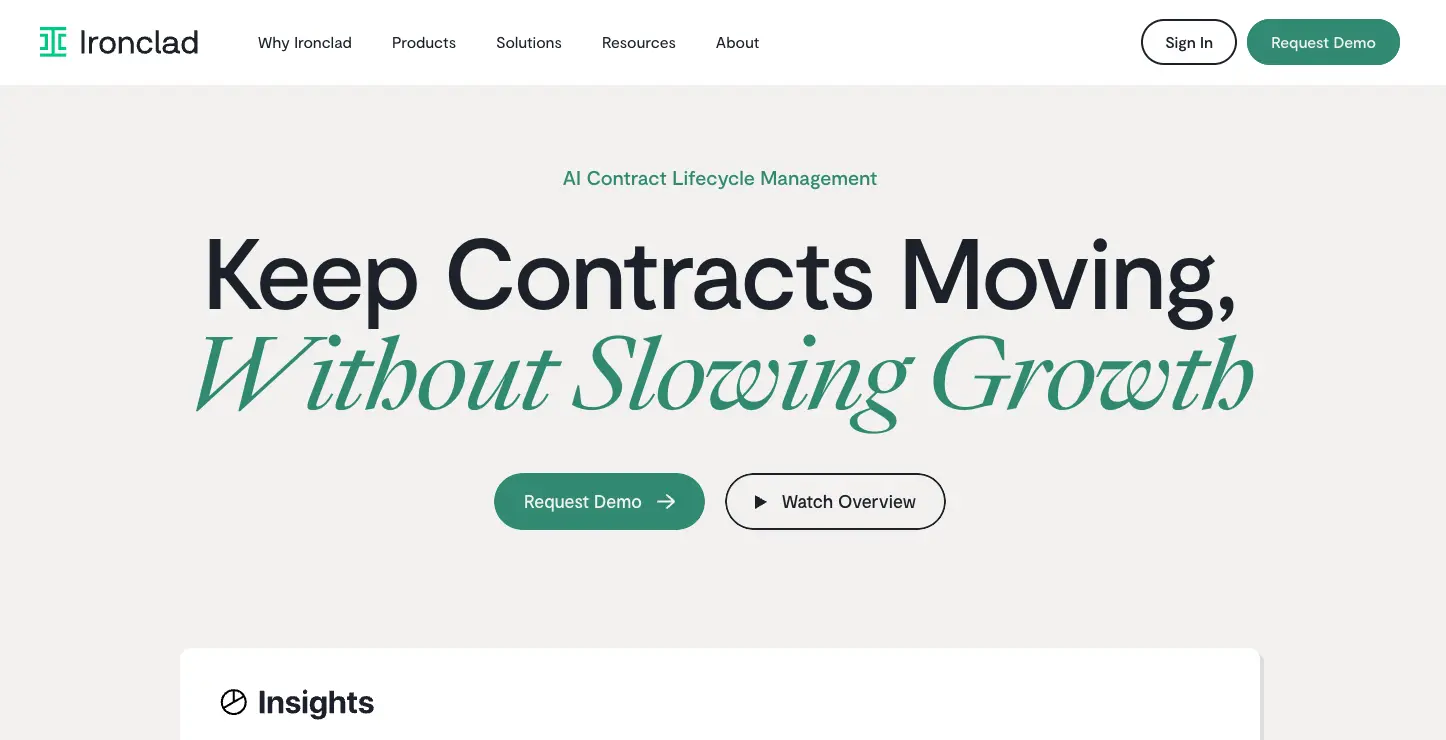
The verdict: For enterprises that need a single system of record across the full contract lifecycle, Ironclad is an excellent CLM platform. Its AI review capabilities are competent, but its real strength is workflow automation and repository management at scale.
Ironclad’s features include automated approval routing, obligation management, audit trails, and an AI-powered, searchable repository. For organizations managing thousands of active contracts across multiple business units, these features offer meaningful operational gains.
Ironclad's AI review is better than manual review, but lags behind dedicated tools on accuracy and depth of legal analysis. Large enterprises increasingly pair Ironclad with LegalOn, using Ironclad as the CLM backbone and LegalOn for AI-powered review and negotiation.
See LegalOn’s automated contract review in action. Book a demo →
Best for: Enterprise organizations in compliance-heavy industries.
Ideal use cases: Contract management across the entire lifecycle.
Limitations: High price point ($30,000+ to $100,000/year typical); 2–9 month implementation; AI review lags behind specialist tools.
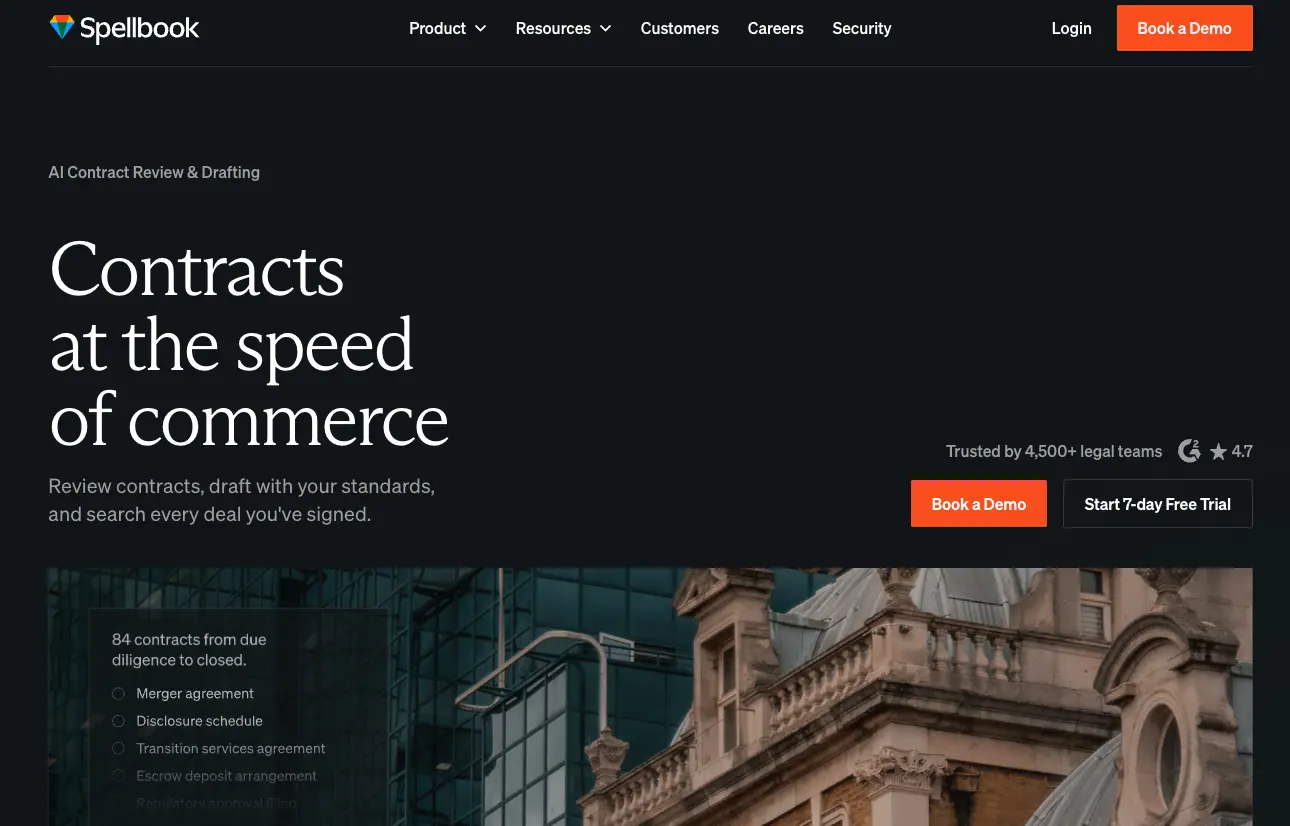
The verdict: If LegalOn’s Word-native contract review tool isn’t within the budget or if teams require more drafting support, Spellbook is an excellent choice. It features a Word add-in similar to LegalOn’s and uses AI to generate clause suggestions, draft language, and surface alternatives inline as you work.
For solo practitioners and small firm attorneys who draft contracts from scratch, Spellbook is a strong drafting copilot. It excels at helping attorneys generate contract language quickly by pulling from precedents, and its transparent pricing also makes it accessible to smaller practices.
Teams that primarily draft—and want AI assistance in the drafting process itself—will find Spellbook genuinely useful. If your team primarily reviews on counterparty paper, LegalOn is a stronger choice.
See LegalOn’s automated contract review in action. Book a demo →
Best for: Solo practitioners and small law firms.
Ideal use cases: Contract drafting and clause generation.
Limitations: Drafting-focused (weaker on systematic review); limited collaboration features; requires comfort with AI-generated suggestions.
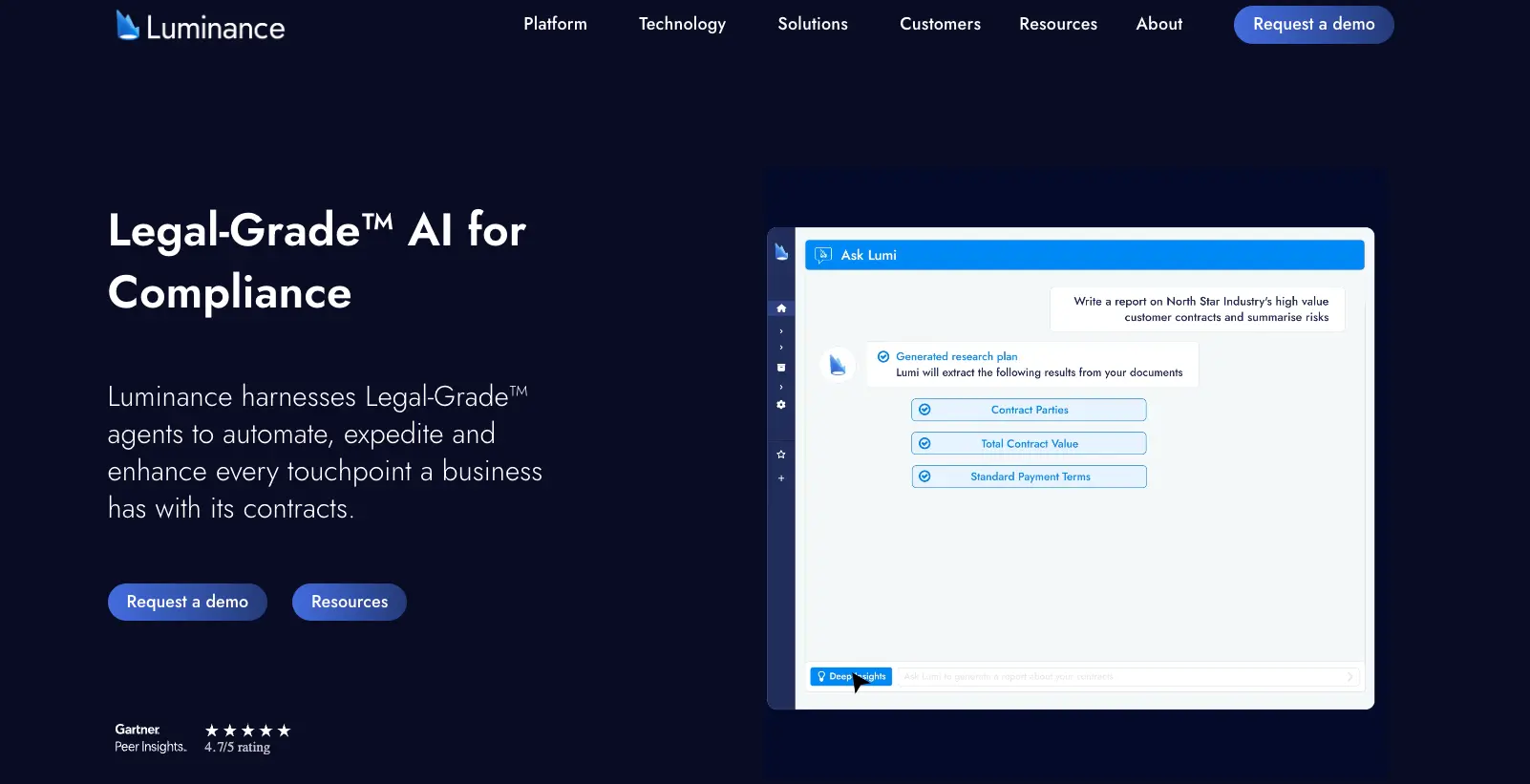
The verdict: Luminance is purpose-built for the large-scale document review that occurs in M&A data rooms, where legal teams need to analyze hundreds or thousands of contracts and surface anomalies quickly.
Luminance is different from playbook-based tools such as LegalOn. Rather than flagging predefined issues, it identifies patterns and anomalies across an entire document set, surfacing risks that a human reviewer might not have considered.
That’s useful for deals involving complex documents, tight timelines, and cross-border transactions.
The flip side: Luminance is built for volume and complexity. For routine contract review—NDAs, vendor agreements, employment contracts — it's too complex, and its pricing model reflects the M&A use case.
Best for: M&A teams and deal lawyers.
Ideal use cases: Private equity due diligence and large-scale document review projects.
Limitations: Priced and designed for high-volume deal work ($100,000+/year); less suited to routine commercial contract review.
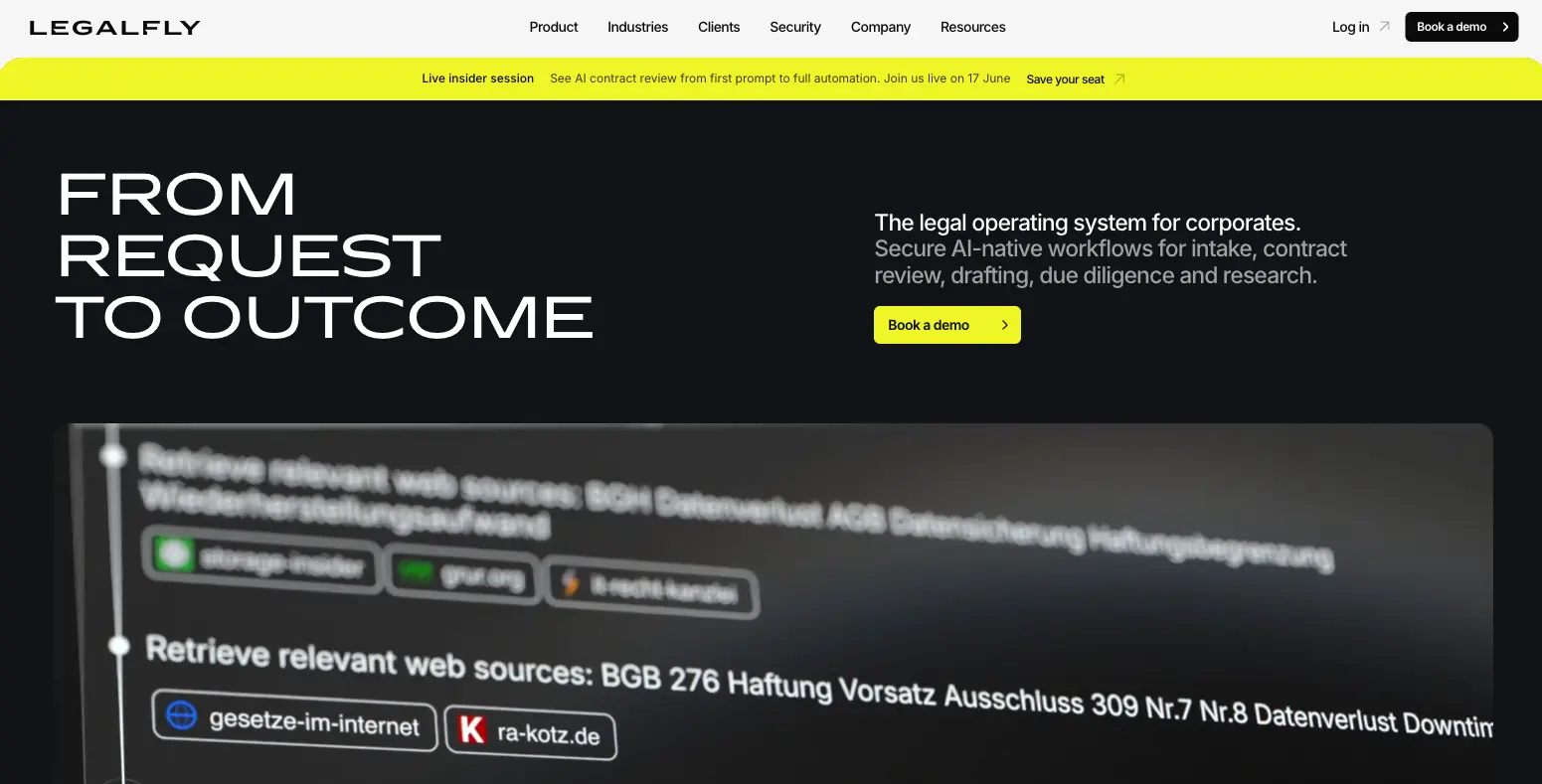
The verdict: While most automated contract review tools offer robust security features, including LegalOn, LegalFly’s data anonymization feature makes it especially appealing for teams wishing to restrict sensitive data exposure to third-party AI models.
Before any document reaches the AI, LegalFly automatically replaces sensitive information with pseudonyms, preserving document accuracy while eliminating exposure risk. Like LegalOn, LegalFly holds SOC 2 Type II and ISO 27001 certifications, which go beyond the SOC 2 baseline offered by most other tools.
Best for: European in-house legal teams or any team with strict policies on AI and sensitive data.
Ideal use cases: High-volume DPA and compliance contract review, especially in Europe.
Limitations: Ideal for European regulatory environments; less suited to US-centric compliance needs. Not the right fit for teams that need Day 1 deployment without onboarding support.

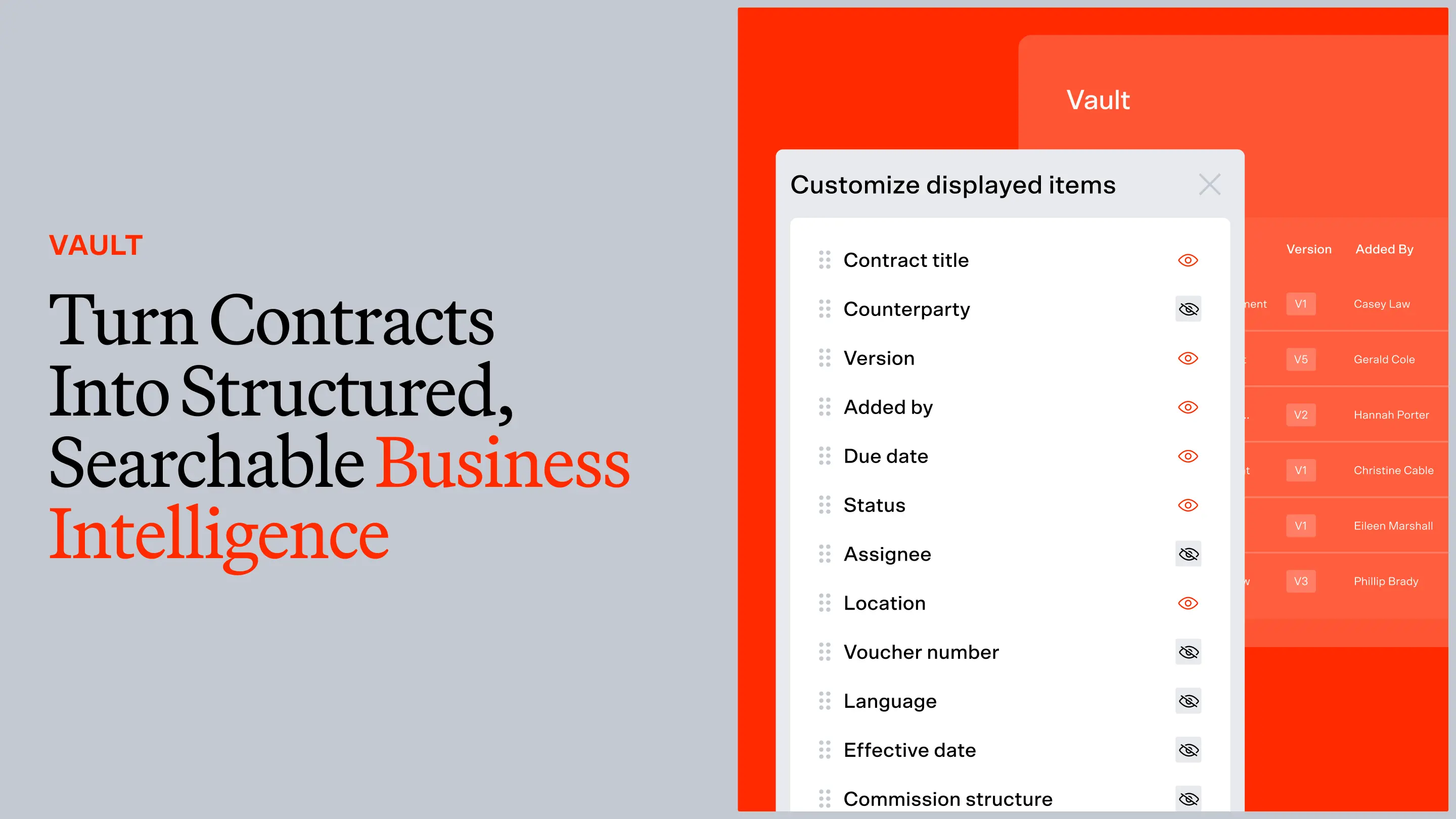
The verdict: Legal teams that want to extract business intelligence from their contract portfolio should consider Ivo, a limited but capable alternative for LegalOn’s Vault. Ivo’s repository and analytics capabilities turn executed contracts into a searchable, clustered database.
This helps teams understand the web of relationships across their agreements and visualize deviations from their standard positions.
Where Ivo is less suited is for in-house teams whose primary need is playbook-based review of counterparty paper from Day 1. Instead of providing 50+ attorney-built playbooks like LegalOn, Ivo assigns each client a customer success manager who’ll walk them through manual playbook creation. This process can take days and weeks, depending on the complexity of your contracts.
Ivo’s strength is portfolio-level intelligence, but it lacks the immediate, attorney-vetted clause flagging that LegalOn delivers out of the box.
See LegalOn’s automated contract review in action. Book a demo →
Best for: Enterprise legal teams managing large contract repositories.
Ideal use cases: Cross-portfolio contract analytics; risk pattern detection across large agreement sets.
Limitations: Enterprise-focused pricing; better suited to portfolio intelligence than high-velocity Day 1 contract review.
Generative summaries translate contract language into plain-English takeaways. This is especially valuable for in-house teams managing high volumes across multiple business units, where a quick executive summary can expedite decision-making and reduce unnecessary escalations.
Look for tools that generate summaries at both the clause level and the contract level, and that allow your team to customize the level of detail for different contract types.
A playbook is a set of review standards—what clauses to look for, what language is acceptable, what triggers a red flag—that AI can apply consistently across every contract.
Teams that build playbooks from scratch typically spend weeks in configuration before reviewing a single contract. That’s not ideal.
Look for tools with pre-built playbooks developed by experienced contract attorneys. That way, your team won’t have to build these standards from scratch. With LegalOn’s 50+ playbooks, for example, you get attorney-grade intelligence from Day 1.
Risk scoring surfaces the most critical issues first. Rather than delivering a flat list of flagged clauses, a good risk-scoring engine prioritizes findings by severity, so your team knows exactly where to spend attention in a 60-page MSA.
Look for tools that apply consistent, attorney-grounded risk logic rather than generic text-matching, and that let you calibrate thresholds to your organization's risk tolerance.
Identifying a problem clause is only half the job. The most effective tools propose specific redline language that reflects your organization's standards.
Attorney-grounded redline suggestions mean your team isn't starting from a blank page on every negotiation. This capability compresses review time and improves consistency across reviewers.
Contracts create obligations that extend well beyond signing: renewal deadlines, delivery milestones, notice periods, and payment terms.
Obligation tracking captures these commitments automatically during review, turning contract language into a structured record your team can monitor over time.
Without this, obligations get buried in executed agreements, so your team might miss them—a risk that compounds as contract volume grows.
For in-house teams, contract review rarely ends with one person. Approval workflows compile context, deadlines, and audit trails for your team, and then route contracts through the right stakeholders, whether it’s legal, sales, finance, or procurement.
Look for tools that support configurable routing logic without requiring IT involvement, and that integrate naturally with the tools your team already uses.
As organizations scale, the ability to see patterns across contracts becomes paramount to increasing productivity and reducing redundant work.
Enterprise intelligence features include repository search, cross-contract analytics, and the ability to surface benchmark data. For example, how does a particular indemnification clause compare to the 200 agreements you've signed in the last two years?
Tools that offer this kind of aggregate insight help legal teams move from reactive reviewers to strategic advisors.
Legal contracts contain some of your organization's most sensitive information. Any tool you deploy should meet a minimum bar of SOC 2 Type II certification. This verifies that security controls have been independently audited over time.
For European companies or any organization handling EU data, GDPR compliance is non-negotiable.
Finally, vendors should never, ever train their models on your contract data.
Automating contract reviews enables in-house teams to flag risks, generate redlines, and surface issues in minutes rather than hours.
The best tools use playbooks to automate review consistently, across every contract, regardless of who's reviewing. When routine markup is handled by AI, in-house counsel can focus on the work that actually moves the business, whether that involves negotiating terms, advising stakeholders, or managing risk at a strategic level.
Contract review and legal research generally require different tools. For contract review, LegalOn is the top-ranked platform for in-house teams. Luminance is the leader for M&A due diligence at scale. Harvey covers both contract review and legal research, making it the right choice for large law firms that need a single AI across practice areas.
For legal research specifically, tools like Westlaw AI, Lexis+ AI, and Harvey are designed for case law analysis, memo drafting, and statutory research.
Most in-house legal teams can increase productivity by pairing a dedicated contract review tool with a research tool, rather than expecting one platform to do both well.
Accuracy varies by tool, clause type, and document characteristics. The most meaningful metric is the F1 score, which balances recall (catching real issues) and precision (avoiding false positives). LegalOn targets 90%+ F1 performance across its playbooks.
Be skeptical of vendors that report raw "accuracy" without specifying how it's measured. That metric can hide whether a system is over-flagging harmless text or missing critical risks.
It depends on your primary bottleneck. If the bottleneck is contract review speed and accuracy, a tool like LegalOn delivers better AI and faster results than any CLM's bolt-on review feature.
If the bottleneck is post-signature management, a CLM like Ironclad addresses problems a review tool doesn't.
Many larger legal teams use both: a CLM for lifecycle management and a specialist tool like LegalOn for review and negotiation.
Start with security. Any tool handling live contract data should be SOC 2 Type II certified at a minimum, and no vendor should train AI models on your data.
Second, test on real contracts. Request a proof-of-concept using your actual agreements. Measure accuracy yourself: are the issues the tool flags genuinely relevant? Is it missing anything material?
Third, plan for adoption. The tools with the highest ROI are the ones teams actually use. Prioritize tools that work inside existing workflows (like Microsoft Word), require minimal training, and deliver immediate value, so attorneys don't abandon the tool after week two.
LegalOn guarantees Day 1 productivity for in-house legal teams. Our pre-built, attorney-vetted playbooks ensure that there's no training period. Teams report reviewing contracts within an hour of installation.
The one caveat is that your contracts need to match the playbook types covered. LegalOn covers 50+ of the most common commercial contract types, so this is rarely a barrier for in-house teams.
Legal teams that continue reviewing contracts manually are losing hours every day. That’s capacity that could be spent advising the business, closing deals, and managing risk at a level that actually requires a lawyer.
LegalOn’s contract review tool is the industry leader for in-house teams that need Day 1 productivity and attorney-grade accuracy.








.png)

